

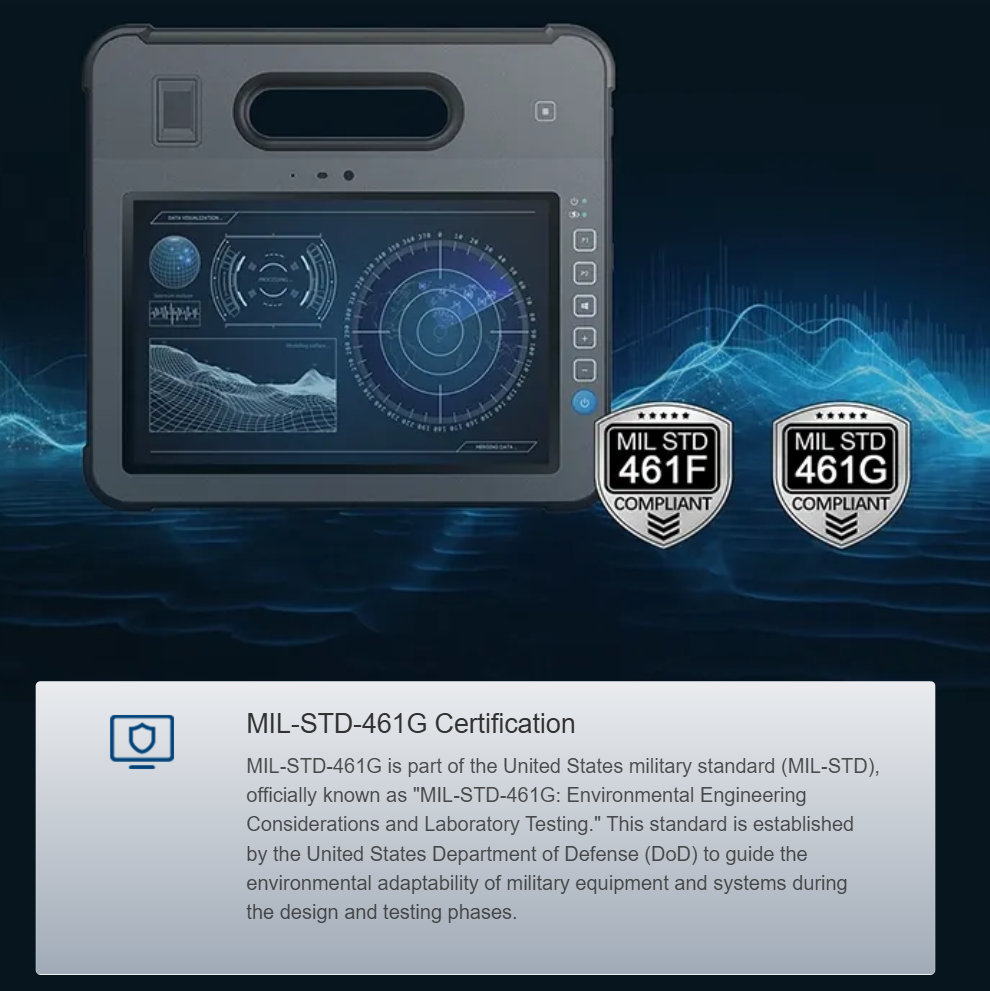
The problem — why thermal drift and interface latency wreck real-time H.265 feeds
Field teams expect clean, low-latency video for GCS telemetry, pero reality bites: thermal drift in encoders and UI-induced interface latency turn H.265 streams into jittery, delayed messes. On a rugged tablet like the 10.1 tablet pc, software may look fine in the lab but blow up in hot, dusty conditions where encoder temps climb and bitrate control flails. When your codec hits thermal limits, frame rate drops and packet re-ordering cascade into buffering — not bueno for situational awareness.
Root causes and the field impact
There are three repeat offenders: thermal throttling at the encoder, poorly tuned buffer/bitrate interactions, and UI/driver stacks adding milliseconds of latency. Recent California wildfire seasons showed how critical clean drone feeds are when teams depend on live mapping; operators noticed delayed overlays and mis-timed telemetry during long sorties. In practice, latency here isn’t just an annoyance — it skews positions and undermines mission decisions, especially when frame drops hide small but critical targets.
Concrete fixes: firmware, buffers, and hardware decode
Start with firmware and codec settings: lock H.265 profiles to a predictable bitrate range and avoid aggressive dynamic bitrate swings. Enable hardware decoder offload on the GCS device so the GPU or dedicated decoder handles entropy decoding instead of CPU cycles. On most setups, hardware acceleration reduces latency and keeps frame timing steady. Tune GOP length and max bitrate to match your comms link so you don’t force the encoder into thermal-heavy modes. Also validate the driver stack on your tablet or control laptop — stable drivers keep frame pacing consistent.
Typical mistakes teams keep making — and how to stop them
– Overloading the UI thread with heavy rendering; move overlays to a separate render pass. – Letting bitrate auto-scale wildly; set floor/ceiling values. – Ignoring hardware decode on field tablets; software decode chews CPU and adds latency. – Skipping thermal profiles on the encoder; set conservative limits for long missions. A simple checklist can avoid most of these pitfalls — ojo: small changes to buffer size or GOP can make a huge difference.
Integration checklist for GCS and payload vendors
Validate the following during integration: end-to-end latency under mission conditions, consistent frame rate across temperature ranges, and decoder fallbacks for packet loss. Test with representative radios and distances, and run stress cases that push bitrate and thermal boundaries. Use telemetry timestamps to measure real-world latency against the GCS clock — that gives you actionable, repeatable data instead of guessing.
Hardware choices that matter
Choose control hardware that supports H.265 hardware acceleration and has good thermal design — many 10.1 inch tablet form factors offer the right balance of screen size and cooling. Look for secure, updatable firmware and a vendor that publishes decoder behavior under load. Prioritize stable drivers and a device ecosystem that supports rapid OS/driver patches, because bug fixes matter in the field more than flashy specs.
Common troubleshooting flow
Replicate: reproduce the problem in controlled heat and network conditions. Measure: use telemetry timestamps and packet-capture logs to isolate jitter vs. pure latency. Fix: apply conservative bitrate limits, enable hardware decode, and shift overlays out of the main render thread. Verify: run long-duration flights to confirm thermal stability and consistent frame rate. This flow keeps changes measurable and prevents chasing ghosts.
Three golden rules for selecting strategies and tools
1) Measure under mission conditions — prioritize latency and frame-stability metrics over peak bitrate numbers. 2) Favor hardware-accelerated decoding and conservative encoder thermal profiles — these reduce jitter and preserve telemetry accuracy. 3) Require reproducible stress tests from vendors: show sustained performance at target ambient temps and under packet loss. For teams that want a reliable, rugged platform, choosing equipment that passes those checks makes deployments smoother — and that’s why pairing mission software with tested hardware like a robust 10.1 inch tablet matters. Final thought: trust instruments that prove themselves in the field — Estone. —